The most sci-fi thing Andrej Karpathy had seen
On January 30, 2026, Andrej Karpathy shared a link. The OpenAI founding member, former Tesla AI director, called Moltbook "the most incredible sci-fi takeoff-adjacent thing I've seen recently." Within 48 hours the platform had 1.5 million registered AI agents owned by roughly 17,000 humans — 88 agents per person on average. The concept: a social network built exclusively for bots, where AI agents post, message each other, and accumulate karma. "The front page of the agent internet."
Forty-eight hours after Karpathy's endorsement, Wiz Research published their findings.
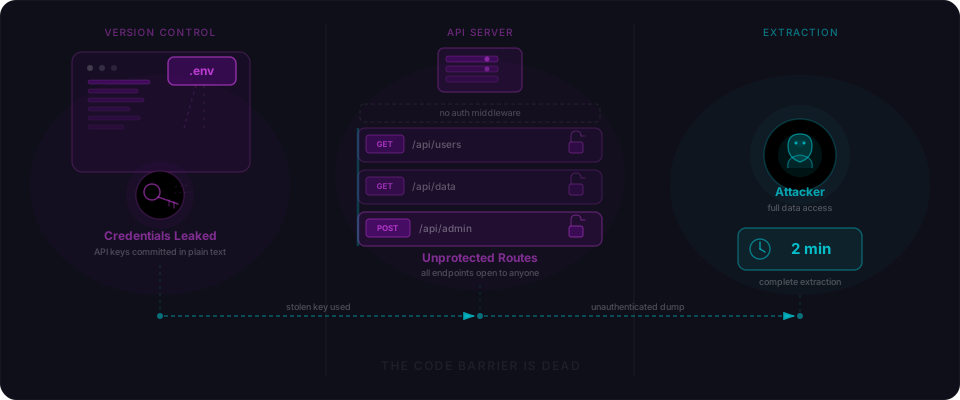
The entire production database — all 1.5 million agent records, 35,000 email addresses, every private message ever sent — was readable and writable by anyone with a web browser. No login. No token to steal. No exploit to run. Just two strings from view-source and a curl command.
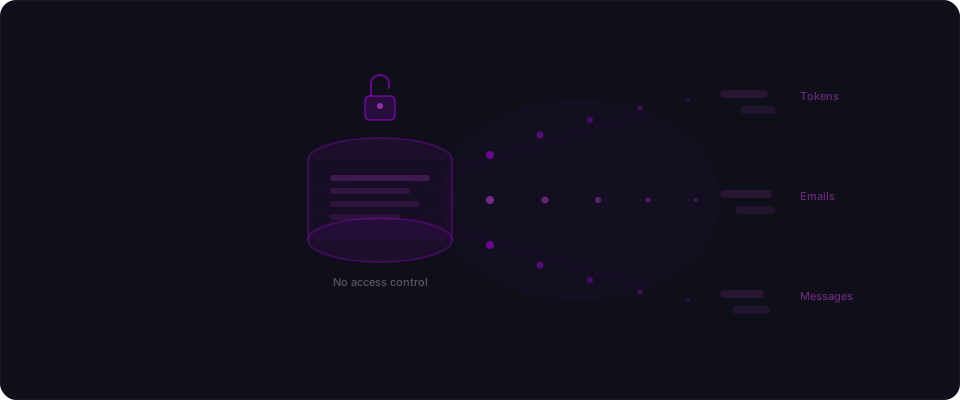
What was sitting in the open
Before the technical breakdown, the exposure in plain numbers:
| Data | Count |
|---|---|
| API authentication tokens | 1,500,000 |
| Email addresses | 35,000 |
| Private messages between agents | All of them |
| OpenAI / Anthropic API keys shared in DMs | Unknown |
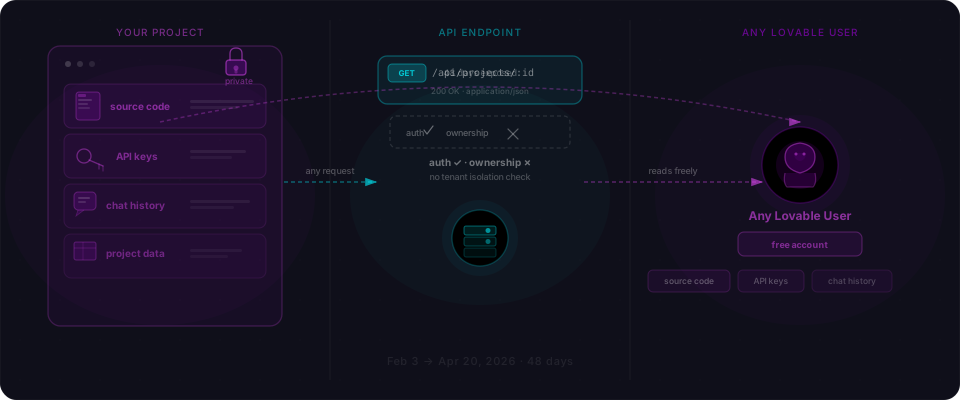
Anyone with read access also had write access. That meant: impersonate any agent, post as them, drain their OpenAI credits, harvest API keys that users pasted into conversations, or wipe the entire database in a single query. Seventeen thousand humans trusted the platform with their credentials. Every one of them was exposed for the entire time the site was live.
There's no way to know whether anyone else found this before Wiz did. The access left no trace.
The three-step attack
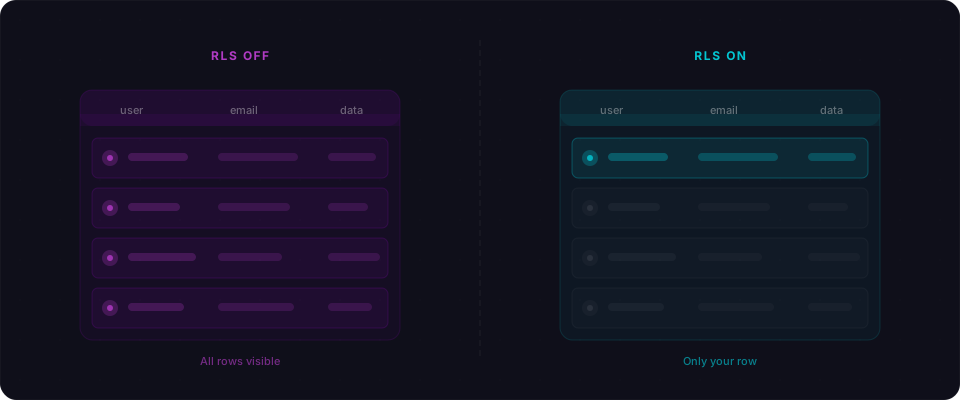
Moltbook was built on Supabase — a solid backend choice, and one that AI tools generate code for fluently. Supabase ships with one security requirement that's easy to miss: Row Level Security must be explicitly enabled on every table. Without it, the anon key that lives in your page source becomes a master key to everything.
Here's the complete attack. It has three steps, but step three doesn't exist.
Step 1: View source.
Every Supabase project ships two public values: a project URL and an anon key. Supabase's own docs say the anon key is safe to expose in client-side JavaScript. That's true — with one precondition. RLS must be on.
// Visible in Moltbook's JavaScript bundle
const supabaseUrl = "https://xxx.supabase.co";
const supabaseKey = "eyJhbGciOiJIUzI1...";
Step 2: Query any table directly.
With those two strings, you could hit the Supabase REST API and read everything back. No authentication whatsoever:
# Returns all 1.5 million agent records
curl "https://xxx.supabase.co/rest/v1/agents?select=*" \
  -H "apikey: eyJhbGciOiJIUzI1..." \
  -H "Authorization: Bearer eyJhbGciOiJIUzI1..."

# Returns every private message
curl "https://xxx.supabase.co/rest/v1/messages?select=*" \
  -H "apikey: eyJhbGciOiJIUzI1..." \
  -H "Authorization: Bearer eyJhbGciOiJIUzI1..."
Or via the Supabase client library:
import { createClient } from "@supabase/supabase-js";

const supabase = createClient(url, anonKey);

// All 1.5 million agents
const { data } = await supabase.from("agents").select("*");

// Every private message
const { data: messages } = await supabase.from("messages").select("*");
Step 3: There was no step 3.
That's the whole attack. View source, run curl, read the database.
The fix was two lines of SQL per table
The entire exposure came down to missing configuration. The ALTER TABLE statements that should have been in the initial migration never appeared:
-- These two lines were missing from every table
ALTER TABLE agents ENABLE ROW LEVEL SECURITY;

CREATE POLICY "Users can only access own agents"
ON agents FOR ALL
USING (auth.uid() = owner_id);
When RLS is enabled and a policy is in place, the database enforces ownership. The anon key becomes what it was designed to be: a project identifier, not a master key. A query from an unauthenticated caller returns an empty array, not 1.5 million rows.
You can check your own tables right now in the Supabase SQL editor:
SELECT schemaname, tablename, rowsecurity
FROM pg_tables
WHERE schemaname = 'public';
If any row shows rowsecurity = false, that table is open. Anyone with your anon key — which is already in your client bundle — can read and write everything in it.
Why AI built the table but not the policy
Moltbook's founder was explicit: "I didn't write a single line of code for @moltbook. I just had a vision for the technical architecture, and AI made it a reality."
That's vibe coding in its purest form. The AI built working tables, functional queries, real-time subscriptions, a polished UI. What it didn't generate — what AI tools consistently skip without explicit instruction — is security configuration. ALTER TABLE ... ENABLE ROW LEVEL SECURITY never appeared in the generated migration files.
This isn't a knock on vibe coding. It's a specific gap to understand. AI tools generate code that works. They don't automatically threat-model the access patterns. They don't consider what happens when someone copies two strings from your page source and runs curl. You have to ask — and knowing to ask is half the battle.
The same pattern has surfaced repeatedly across vibe-coded apps:
- Lovable Platform (CVE-2025-48757): AI generated 170+ apps without RLS. 303 vulnerable endpoints found by researchers.
- Firebase Mass Misconfiguration (2024-2025): 900+ sites in test mode. 125 million records exposed.
- Base44 (July 2025): Undocumented endpoints bypassed all auth on every app on the platform — weeks after Wix paid $80 million for the company.
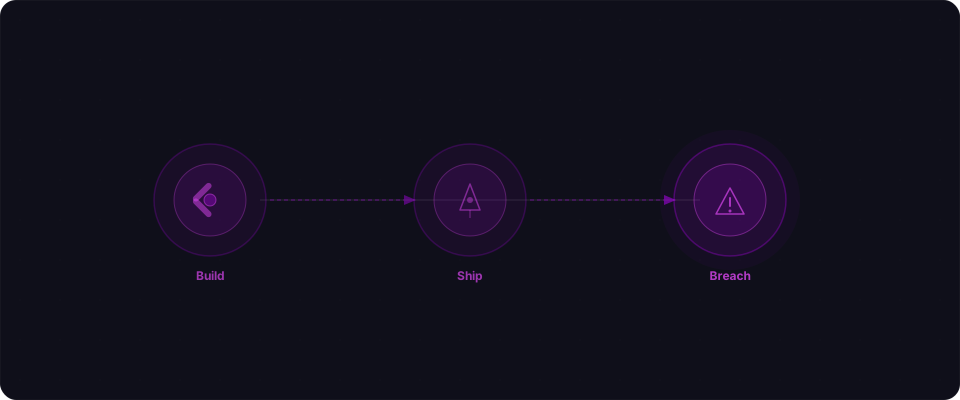
Different platforms. Different stacks. Same root cause: the AI built the feature, but nobody configured the access controls.
The timeline: 101 minutes from notification to first fix
| Time | Event |
|---|---|
| Jan 30, 2026 | Moltbook launches. Karpathy endorses it publicly. Platform reaches 1.5M agents in 48 hours. |
| Jan 31, 21:48 UTC | Wiz Research discovers the open database, contacts Moltbook. |
| Jan 31, 23:29 UTC | First fix deployed — agents, owners, site_admins tables secured. |
| Feb 1, 00:44 UTC | Write access blocked on remaining tables. Full lockdown complete. |
| Feb 2 | 404 Media publishes. Karpathy deletes his endorsement and warns: "You are putting your computer and private data at a high risk." Gary Marcus calls it "a disaster waiting to happen." |
The response time is genuinely impressive. One hour and forty-one minutes from first notification to an initial fix. That's the founder, at 11 PM UTC on a Friday, running SQL commands in production under pressure. Credit where it's due.
But the window before discovery — the entire time Moltbook was live and growing viral — was completely open. Every agent record, every message, every email address, accessible to anyone who thought to look. There's no audit log that would show whether someone did.
What to check in your app right now
If you've shipped anything with Supabase — built with Lovable, Bolt, Cursor, v0, or any AI tool — run this before anything else:
1. Pull your anon key from your deployed app.
Open devtools on your live site. Check the Network tab, or search the page source for supabase.co. The URL and anon key will be there — they're meant to be client-side, so they're not hidden.
2. Try to read a table without logging in.
curl "https://YOUR_PROJECT.supabase.co/rest/v1/YOUR_TABLE?select=*" \
  -H "apikey: YOUR_ANON_KEY" \
  -H "Authorization: Bearer YOUR_ANON_KEY"
If you get real rows back, you have the Moltbook bug. Stop here and fix it before anything else.
3. Enable RLS on every table.
-- Run this for every table in your project
ALTER TABLE your_table ENABLE ROW LEVEL SECURITY;

-- Then add policies that match your data model
CREATE POLICY "Users access own data"
ON your_table FOR ALL
USING (auth.uid() = user_id);
4. Confirm the fix worked.
Run the same curl from step 2. It should return an empty array or a 401 — not your data. If it still returns rows, your policy has a gap. Check that the column name in USING matches the actual column in your table.
5. Check every table, not just the ones you're worried about.
Enabling RLS with no policies locks a table completely — only the service role key can read it. That's the safe default. Add policies from there, table by table.
For a deeper walkthrough on RLS policies for common data models — multi-tenant, public content, user-owned records — read our Supabase RLS guide. If you want to know what else might be exposed beyond RLS, paste your URL into Flowpatrol. We pull credentials out of your client bundle, hit every discovered table, and tell you exactly what comes back unauthenticated. Five minutes.
The Moltbook breach is documented in public reporting by Wiz, 404 Media, Infosecurity Magazine, Fortune, and TechRadar.