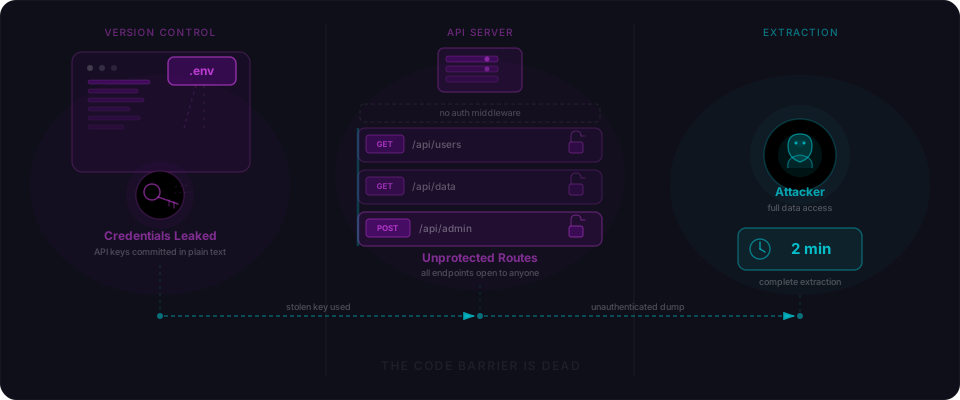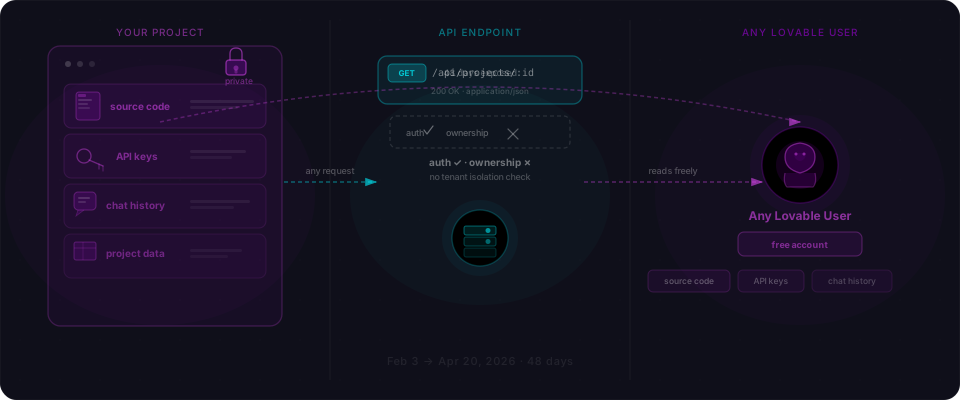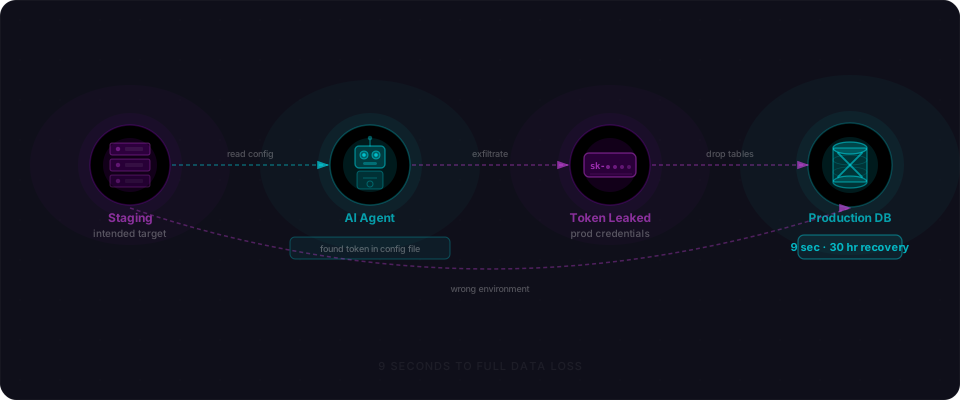
The rule that shipped to 916 production databases
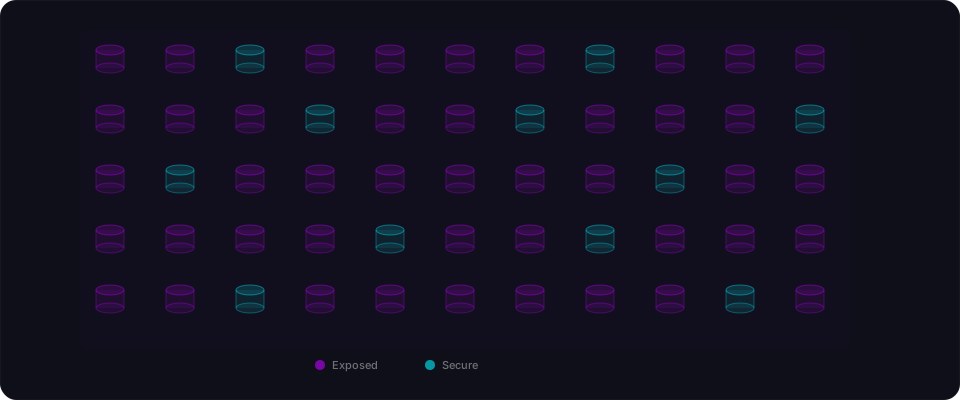
In 2024, three security researchers ran a simple scan. They looked at five million domains for Firebase projects. What they found: 916 websites running this exact security rule:
{
  "rules": {
    ".read": true,
    ".write": true
  }
}
That's the entire Firebase security model. Two lines. Any unauthenticated user anywhere on the internet can read every record and write anything they want.
The scale: 125 million user records. 19 million plaintext passwords. 106 million email addresses. 85 million names. 34 million phone numbers. 27 million billing records with bank account details. All accessible through a single HTTP request. Zero technical expertise required.
How Firebase test mode becomes a production nightmare
Firebase is Google's Backend-as-a-Service platform. It powers millions of apps. And it has a design choice that has cost billions in exposed data: security rules are opt-in, not opt-out.
When you create a new Firebase project, the console offers you a choice: "Test Mode" (everything open) or "Locked Mode" (nothing accessible). Guess which one every developer picks during development?
Test mode is frictionless:

During development, test mode is frictionless. Everything works. No auth errors, no permission denials, no delays. The app flows perfectly. Then you ship to production.
And the rules never change.
What the researchers found
The scale of exposed data is worth sitting with for a moment:
| Data Type | Records Exposed |
|---|---|
| Total records | ~125 million |
| Email addresses | 106 million |
| Full names | 85 million |
| Phone numbers | 34 million |
| Billing details (with bank accounts) | 27 million |
| Plaintext passwords | 19 million |
This wasn't theoretical. These were real databases with real user data, sitting open on the internet.
Some of the more notable cases:
Silid LMS — a learning management system with 27 million user records exposed. Student data, course information, personal details, all publicly accessible.
Lead Carrot — a sales and cold-calling platform with 22 million user details. Names, email addresses, phone numbers — exactly the kind of data you'd want to keep private.
MyChefTool — a restaurant point-of-sale system that exposed 14 million names and 13 million email addresses. Customer data from thousands of restaurants.
An online gambling network spanning 9 sites, which exposed 8 million bank account details. That's financial data from users who had every reason to expect confidentiality.
And then there was Chattr.
How this started: Chattr and a hiring system for major chains
The researchers didn't start out looking for 900 Firebase vulnerabilities. They started with one app: Chattr, an AI-powered hiring system used by Applebee's, Chick-fil-A, KFC, Subway, Taco Bell, and Wendy's.
Chattr's misconfiguration was almost cartoonishly open: anyone could register a new account and read the entire database. Job applicant data — names, addresses, Social Security numbers, interview records, background checks — accessible with zero authorization checks.
But Chattr wasn't unique. One researcher asked: what if we scan widely? What if we look at 5 million domains and check whether their Firebase projects have the same problem?
The answer: 915 more apps exactly like Chattr.
916 total. All of them exposed.
Why this keeps happening: the test mode trap
Here's the development cycle that produces this vulnerability over and over:
-
Start a new project. Firebase Console offers "Test Mode" for quick setup. You click it because you're building, not configuring security policies.
-
Build your app. Everything works. No errors. No warnings. The data flows smoothly between client and server.
-
Deploy to production. The rules don't change. Why would they? Nothing is broken.
-
Database sits open. No alerts. No monitoring. No indication that your entire dataset is publicly available.
-
Someone finds it. Usually a researcher. Sometimes not.
The fundamental issue is friction — or the lack of it. Test mode has zero friction. Secure rules require understanding your data model, writing rule expressions, and testing edge cases. When you're shipping fast, that work gets deferred. And "deferred" often means "never."
Firebase does warn you in the console when test mode rules are active. But if you deployed via the CLI and never went back to check, you'd never see the warning. There's no email. No blocking deployment check. No "are you sure you want to push these open rules to production?"
The researchers tried to help. 76% didn't respond.
After documenting the 916 exposures, the researchers sent notifications to 842 affected site owners. Here's what happened:
| Status | Count |
|---|---|
| Notifications delivered | 712 |
| Bounced (bad email) | 76 |
| Sites that actually fixed it | 202 (24%) |
| Sites that responded at all | 8 (1%) |
| Sites that offered a bounty | 2 (0.2%) |
Over 600 sites received an email saying "your entire database is public" and never acted on it.
The reasons are instructive:
They didn't know what Firebase security rules meant. A solo builder or small team building with Lovable or Cursor isn't a security engineer. "Misconfigured security rules" is jargon. If you don't live in that world, it doesn't register as urgent.
There's no process for this. These aren't enterprise companies with security teams and incident response playbooks. There's nobody whose job it is to respond to vulnerability reports.
Google made it too easy to deploy broken. Firebase defaults to "test mode." You can ship production without ever visiting the security rules console. Everything works. You just shipped.
Even when they understand, it's work. Fixing rules means understanding your entire data model — every collection, every access pattern, every user type. For a complex app, that's real work. Technical debt wins.
The math is brutal: 842 notifications, 202 fixes. 640 databases still open.
The attack is trivially simple
Here's what it takes to check if a Firebase Realtime Database is exposed:
curl https://[PROJECT_ID].firebaseio.com/.json
That's it. One command. If you get data back instead of a 401 or 403 error, the database is open. An attacker can enumerate collections, download everything, or even write data:
# Download the entire database
curl https://[PROJECT_ID].firebaseio.com/.json

# Target specific collections
curl https://[PROJECT_ID].firebaseio.com/users.json
curl https://[PROJECT_ID].firebaseio.com/orders.json
curl https://[PROJECT_ID].firebaseio.com/payments.json
Finding the project ID is equally trivial. It's in the page source. Every Firebase app initializes with a config object that contains the project ID, API key, and auth domain — all visible in the JavaScript bundle. That's by design. Firebase API keys are meant to be public. But their safety depends entirely on security rules being properly configured.
The Supabase parallel: same pattern, different platform
If this sounds familiar, it should. In January 2026, the Moltbook breach exposed 1.5 million records from a Supabase-powered app where Row Level Security was disabled on every table. Different platform, identical pattern.
Firebase has Security Rules. Supabase has RLS policies. Both are opt-in. Both default to open during development. Both depend on the developer remembering to configure them before shipping to production.
The comparison:
| Firebase | Supabase | |
|---|---|---|
| Security mechanism | Security Rules | Row Level Security (RLS) |
| Default state | Test mode = open | RLS disabled = open |
| Configuration | JSON/expression rules | SQL policies |
| Client credentials | API key in page source | Anon key in page source |
| Key is safe to expose? | Yes, if rules are set | Yes, if RLS is enabled |
| If misconfigured | Full database access | Full database access |
The lesson is platform-agnostic: any Backend-as-a-Service that puts security configuration in the developer's hands will have this problem. The question is only how many projects ship without it.
Check your own Firebase project in 60 seconds
If you built anything with Firebase, Lovable, Bolt, or Cursor, do this right now. Two minutes max.
The fastest check: curl
Your project ID is in your JavaScript bundle. It's visible in the browser. Run this:
curl https://YOUR-PROJECT.firebaseio.com/.json
If you get JSON data back instead of a 401/403 error, your database is open. That's it. You're vulnerable.
If you want to be thorough: Firebase Console
Go to Firebase Console > Your Project > Realtime Database > Rules tab. Look at the root rule. If you see this anywhere:
{
  "rules": {
    ".read": true,
    ".write": true
  }
}
You have a problem. Lock it down.
For Firestore, same thing: if you see allow read, write: if true at the root, you're exposed.
If you prefer the CLI
firebase database:rules:list
firebase firestore:rules:list
Either way, you'll have an answer in under a minute.
Step 2: Replace test rules with real security
Realtime Database — lock it down:
{
  "rules": {
    "users": {
      "$uid": {
        ".read": "$uid === auth.uid",
        ".write": "$uid === auth.uid"
      }
    },
    "public_content": {
      ".read": true,
      ".write": "auth != null && root.child('admins').child(auth.uid).exists()"
    },
    "$other": {
      ".read": false,
      ".write": false
    }
  }
}
Firestore — lock it down:
rules_version = '2';
service cloud.firestore {
  match /databases/{database}/documents {
    // Users can only access their own data
    match /users/{userId} {
      allow read, write: if request.auth != null
                         && request.auth.uid == userId;
    }

    // Public content: anyone can read, only admins write
    match /public/{document} {
      allow read: if true;
      allow write: if request.auth != null
                   && get(/databases/$(database)/documents/admins/$(request.auth.uid)).data.role == "admin";
    }

    // Deny everything else by default
    match /{document=**} {
      allow read, write: if false;
    }
  }
}
Step 3: Test your rules before deploying
Firebase provides an emulator suite specifically for this:
const { initializeTestApp, assertFails, assertSucceeds } = require('@firebase/rules-unit-testing');

describe('Security rules', () => {
  it('denies unauthenticated access to user data', async () => {
    const db = initializeTestApp({ projectId: 'test' }).firestore();
    const userDoc = db.collection('users').doc('user123');
    await assertFails(userDoc.get());
  });

  it('allows users to read their own data', async () => {
    const db = initializeTestApp({
      projectId: 'test',
      auth: { uid: 'user123' }
    }).firestore();
    const userDoc = db.collection('users').doc('user123');
    await assertSucceeds(userDoc.get());
  });

  it('denies users from reading other users data', async () => {
    const db = initializeTestApp({
      projectId: 'test',
      auth: { uid: 'user123' }
    }).firestore();
    const otherDoc = db.collection('users').doc('user456');
    await assertFails(otherDoc.get());
  });
});
Step 4: Add rules to your CI/CD pipeline
Don't let insecure rules reach production:
# In your CI config
- name: Test Firebase rules
  run: |
    firebase emulators:exec --only firestore "npm test"
Step 5: Monitor for unauthorized access
Enable Firebase audit logging. Set up alerts for unusual read patterns. If your database suddenly has traffic from IPs you don't recognize, you want to know immediately — not six months later when a researcher emails you.
The uncomfortable math
Let's zoom out. The researchers scanned 5 million domains. They found 916 with exposed Firebase databases. That's a hit rate of about 0.018%.
Sounds small? Firebase powers millions of apps. If even a fraction of a percent are misconfigured, the total number of exposed databases worldwide is measured in thousands. And these researchers only checked for the most basic misconfiguration — completely open rules. They didn't test for more nuanced problems like overly permissive rules, missing field-level security, or rules that are correct for reads but wrong for writes.
The 916 sites they found are the tip of the iceberg. The real number is almost certainly larger.
And then there's the human cost. 125 million records isn't an abstract number. Those are real people whose names, emails, passwords, bank accounts, and personal data were sitting on the open internet. The 19 million users with plaintext passwords are especially vulnerable — because people reuse passwords, a single exposed credential can cascade across every other account that shares it.
What you need to do
This affects anyone who built on Firebase, Lovable, Bolt, Cursor, v0, or any other tool that scaffolds a Firebase backend. That's you, if you shipped in the last two years.
The 916 exposed databases aren't a story about bad developers. They're a story about good developers shipping fast, using a tool that defaults to "open," and never being forced to think about security rules before deployment. The tool worked. Everything flowed. Ship.
Google built Firebase correctly. The problem isn't Firebase. The problem is the gap between "test mode" and "production."
Here's what to do:
1. Audit right now. Run that curl command above on your project. 60 seconds. If you get data, your database is open. If it's open, fix it today — the 916 sites in this study are literally being scanned right now by people looking for exactly this.
2. Don't deploy test mode to production. If you can, add a pre-deploy check to your build process. If your rules contain .read: true or allow read: write: if true at the root, reject the deploy. Make it a blocker.
3. Lock down by default. Start every rule with allow read, write: if false. Then open access only where you need to. User can read their own profile? .read: "auth.uid === $uid". Public content? .read: true but only for that collection. Make your rules explicit.
4. Understand the attack surface. Your API key is public. That's intentional. It's in your page source. But it means your security rules are the only barrier between your data and the world. If rules are wrong, there is no other layer.
5. Test from outside. Open an incognito window. Log in as a different user, or log in as nobody. Try to access your own data. Try to read other users' data. Try to write. If you can do things you shouldn't be able to, fix them.
How Flowpatrol catches this
This pattern — BaaS credentials in the page source + wildcard-open rules — is exactly what Flowpatrol detects. Our scanner:
- Extracts Firebase project IDs from your client-side code
- Tests them against the public Firebase API (the same curl command above, automated)
- Reports what's accessible (with specific examples)
The 916 sites in this study were found by three researchers running manual scans. A five-minute Flowpatrol scan catches the same vulnerability automatically, before you ship.
This case study is based on public reporting by SecurityWeek, The Register, GitGuardian, and XEye Security.