You shipped it
You described an app. The AI built it. It works. Sign-up works, the database saves stuff, the deploy is green, the URL is real. That is a genuinely wild thing to be able to do in an afternoon.
Now open DevTools, find any request that fetches your own data, and change the id to something that isn't yours.
If you've never tried that on your own app, you probably should — because it's the first thing a curious stranger does, and it's where most vibe-coded apps fall apart. The model optimized for "make it work." It did not optimize for what happens when someone replays a request, increments an ID, or scrolls through your JavaScript bundle and finds a Supabase service_role key sitting in plain text. The gap between it works and it's solid is where Flowpatrol lives.
Paste a URL. Five minutes later, you know exactly where you stand. No audit, no consultant, no 200-page PDF — just a short list of the things your app is doing that you probably didn't mean to.
What a scan actually looks like
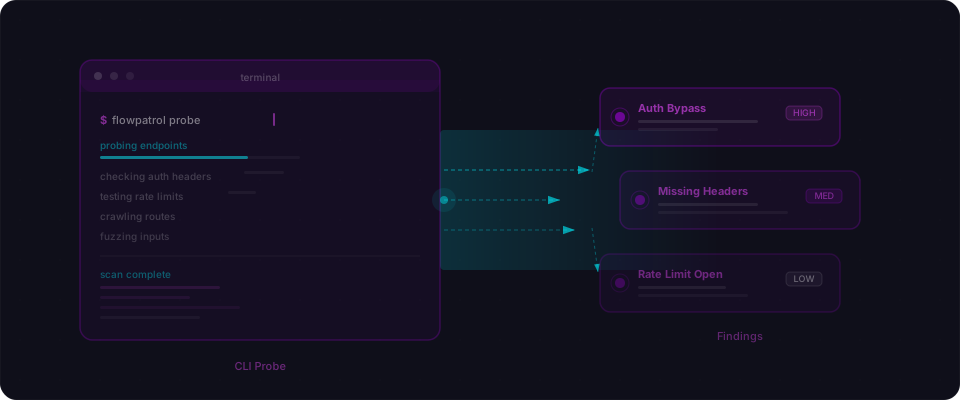
Here's a real example. Imagine you built a project management tool with Lovable — users, projects, tasks, teammates. You paste the URL into Flowpatrol and hit scan. Five minutes later, here's the report.
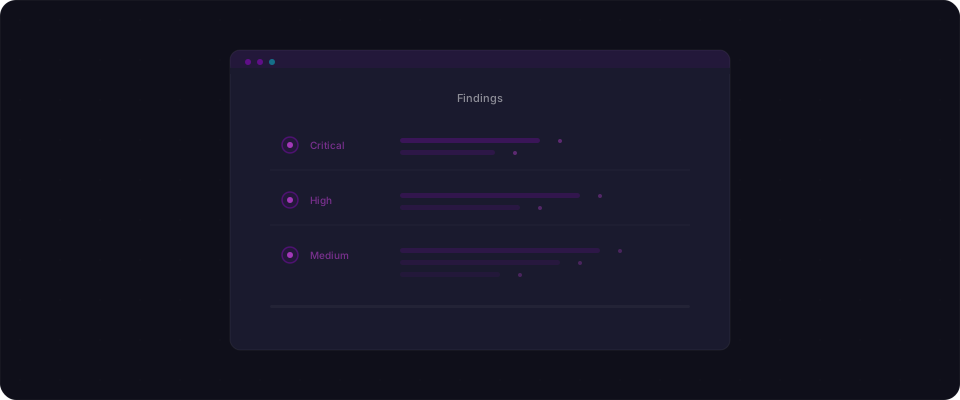
Finding 1: Missing Row Level Security
Flowpatrol discovers that your tasks and projects tables have RLS disabled. That means any authenticated user can read every row — not just their own.
-- What Flowpatrol found
SELECT tablename, rowsecurity
FROM pg_tables
WHERE schemaname = 'public';

-- Result:
-- tasks     | false
-- projects  | false
-- profiles  | false
The fix is specific:
ALTER TABLE tasks ENABLE ROW LEVEL SECURITY;

CREATE POLICY "Users see own tasks"
ON tasks FOR SELECT
USING (auth.uid() = user_id);

CREATE POLICY "Users create own tasks"
ON tasks FOR INSERT
WITH CHECK (auth.uid() = user_id);
Flowpatrol doesn't just tell you RLS is off. It tells you which tables, what's exposed, and what the policy should look like.
Finding 2: Broken access control on the API
Flowpatrol tries accessing project data without authentication. It works.
# No auth token, no session — and the data comes back
curl "https://your-project.supabase.co/rest/v1/projects?select=*" \
  -H "apikey: eyJhbGciOi..."

# Response: 200 OK
# [{"id": 1, "name": "Secret Roadmap", "owner_id": "..."},
#  {"id": 2, "name": "Client Portal", "owner_id": "..."}]
Anyone with the anon key (which is public by design) can pull every project in your database. This is the exact pattern behind CVE-2025-48757 — the Lovable RLS misconfiguration that exposed data across a long list of deployed apps earlier this year. The anon key isn't the problem. The missing row-level policy is.
Finding 3: Service role key in the client bundle
Flowpatrol scans your JavaScript files and finds a Supabase service role key embedded in the client-side bundle.
# Found in /_next/static/chunks/app-d3f8a2b1.js:
# "eyJhbGciOiJIUzI1NiIsInR5cCI6IkpXVCJ9.eyJpc3MiOiJzdXBhYmFzZS..."
# Pattern match: Supabase service role key
That key bypasses all RLS policies. It's full admin access to your database. Even if you fix every RLS issue, this key makes all of it irrelevant.
Three findings. Three things the AI didn't handle. Three things you can fix in an hour.
How Flowpatrol actually works
Most security scanners run a big list of signatures. They check headers, match patterns, flag things that look funny. They're fast and they're cheap, and they have no idea what your app actually does.
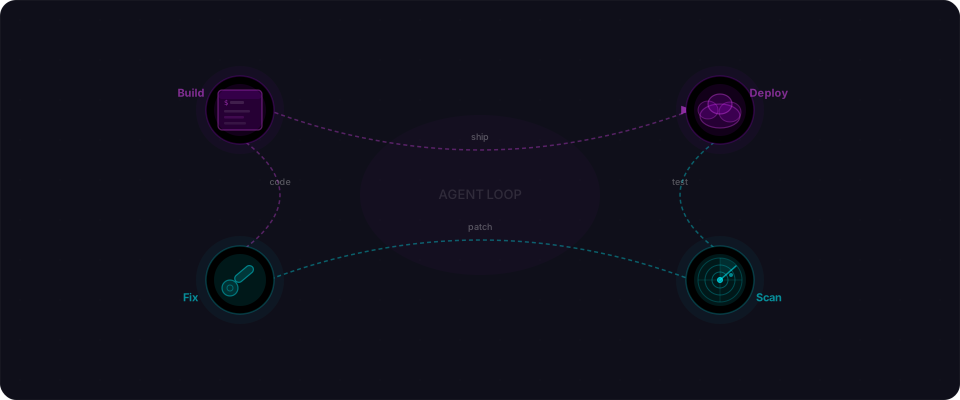
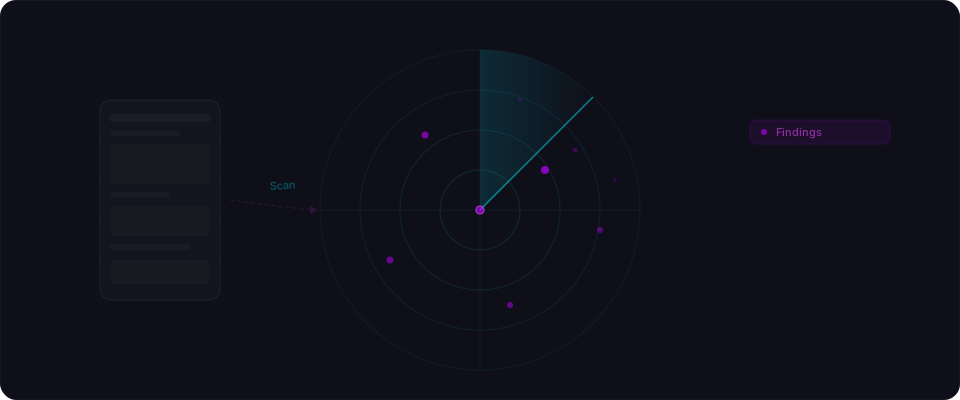
Flowpatrol runs an agent. It opens your app like a curious user, pokes at it like an attacker, and reasons about what it finds like a sharp friend you forced to look at your code.
Four steps, in about five minutes:
-
Recon. Flowpatrol maps the app. Pages, forms, API endpoints, auth flows, the JavaScript bundle. It watches every network request and takes notes on everything that looks like an ID, a token, or a route.
-
Analyze. For each endpoint it finds, it asks the questions that matter. What happens without a session? What happens with a stranger's ID? Are there secrets in the client-side code? Is the database actually enforcing access controls, or just vibes?
-
Test. It doesn't flag theoretical risks. It makes the requests, changes the parameters, and looks at what comes back. If it says "broken access control," it has the HTTP response to prove it.
-
Report. You get findings sorted by severity, each one with the exact request, the exact response, and the smallest change that fixes it. No jargon. No 200-page PDF.
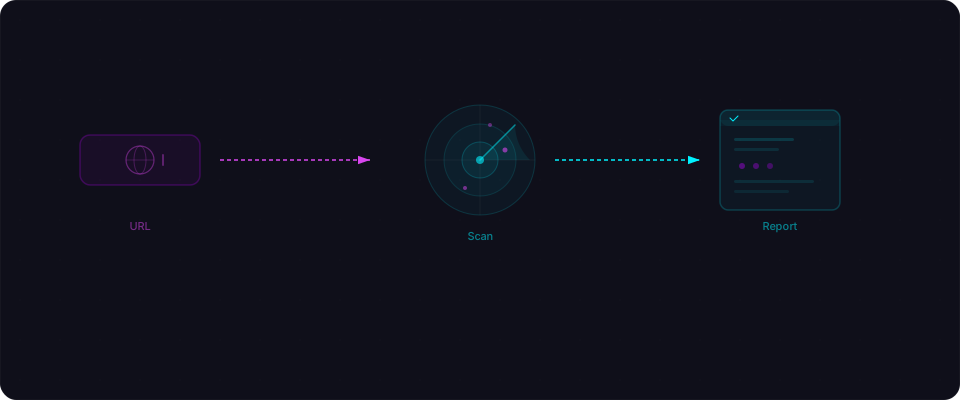
You don't configure anything. You don't write rules. You paste a URL and get a real answer.
Why this matters right now
Building apps got faster by an order of magnitude. Checking them didn't.
We keep seeing the same handful of patterns across AI-built apps, regardless of which tool generated them:
- Supabase tables shipped with RLS off, because "easier to test" is a sticky default the model never comes back to.
service_rolekeys pasted into a client component because the model needed a key and grabbed the first one it saw in the env.- API routes that check whether you're logged in but not whether the row you're asking for is yours.
- Integer IDs in URLs that you can just increment.
- CORS set to
*on an endpoint that returns user data.
None of these are exotic. They're the defaults the model generated and the builder never unwound. The AI didn't warn you. The platform didn't block it. Nobody checked before it went live. This is the exact shape of every recent vibe-coding incident, from the Lovable RLS bugs behind CVE-2025-48757 to the Base44 auth bypass Wiz disclosed weeks after Wix acquired the company for $80M.
Lovable says "ship your ideas in days." Bolt says "go from insight to prototype in hours." Both are right — and both quietly leave the last step to you.
Flowpatrol is that step.
What Flowpatrol checks
Here's the short list. Every scan covers:
Access controls
- Row Level Security enabled and properly configured
- Authentication enforced on protected endpoints
- Users can't access each other's data (IDOR checks)
- Admin endpoints aren't publicly accessible
Secrets and exposure
- API keys in client-side JavaScript
- Service role keys, database URLs, secret tokens in the bundle
.envfiles or configuration endpoints publicly accessible- Sensitive data in error messages or debug output
Authentication
- Login bypass patterns
- Weak session handling
- Missing rate limiting on auth endpoints
- Token exposure in URLs or logs
Common AI patterns
- Default security configurations left unchanged
- Test-mode rules deployed to production
- Missing input validation on user-facing forms
- Unprotected API routes the AI generated but didn't lock down
We built Flowpatrol around the specific patterns we see in AI-built apps — the things Claude, GPT, and Gemini consistently get wrong when generating full-stack applications.
Who this is for
If you're building with Lovable, Bolt, Cursor, v0, Replit, or any AI coding tool — and your app handles real user data, processes payments, or is heading toward a public launch — Flowpatrol is built for you.
You don't need a security background. You don't need to know what OWASP stands for. You need to know if your app is solid before you share it with the world. That's it.
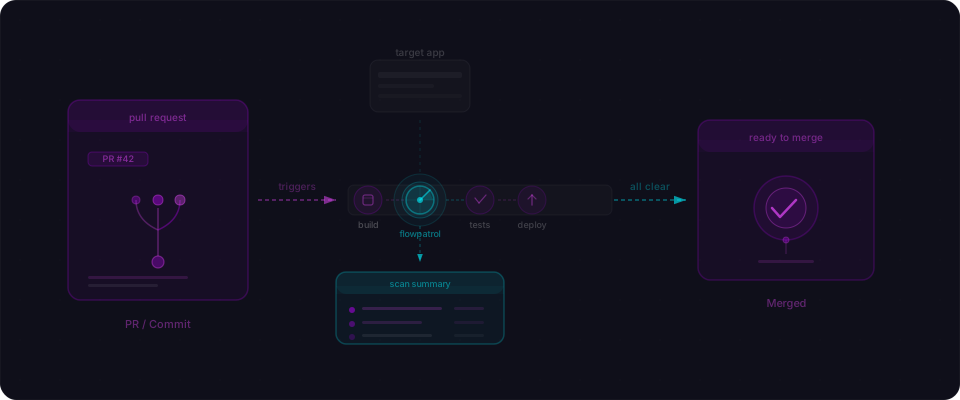
Think of it the same way you think about buying a domain, setting up analytics, or connecting Stripe. Running a scan is a launch step. It takes five minutes and it tells you whether your app is production-ready or has gaps that need closing first.
What you should do right now
You've built something. Here's how to make sure it's ready:
-
Scan your app. Go to flowpatrol.ai, paste your URL, and run a free scan. Five minutes, no setup, no credit card.
-
Read the report. Each finding tells you what's wrong, why it matters, and how to fix it. Start with the critical items and work down.
-
Fix the big stuff first. Enable RLS on your Supabase tables. Move secret keys to server-side code. Add authentication checks to your API endpoints. These three fixes cover the majority of issues we find.
-
Scan again after you fix. Confirm the issues are resolved. Your report should come back cleaner. That's the feeling you want before you launch.
-
Make it a habit. Every time you add a feature, create a new table, or integrate a new service — scan again. It takes five minutes. Make it part of your build process, not an afterthought.
You turned an idea into a working app. That's the hard part. Making it solid is the fast part. Five minutes. That's it.
Have questions? Find us on Twitter/X or drop a note to contact@flowpatrol.ai. We're builders too — we'd love to hear what you're shipping.