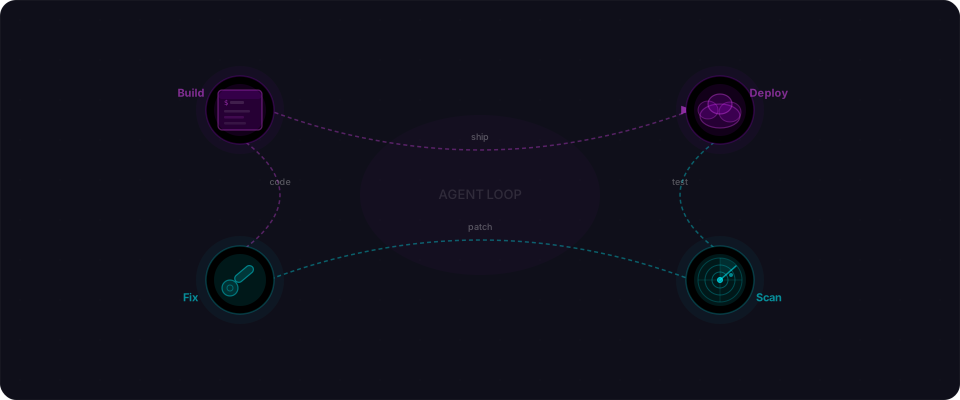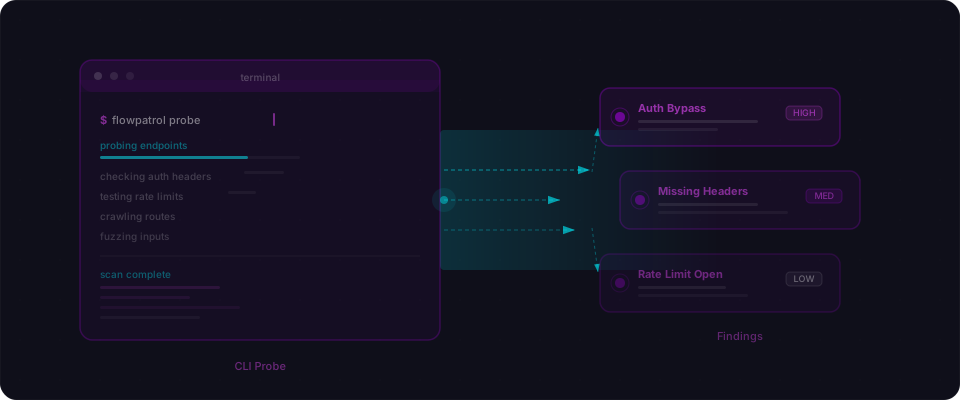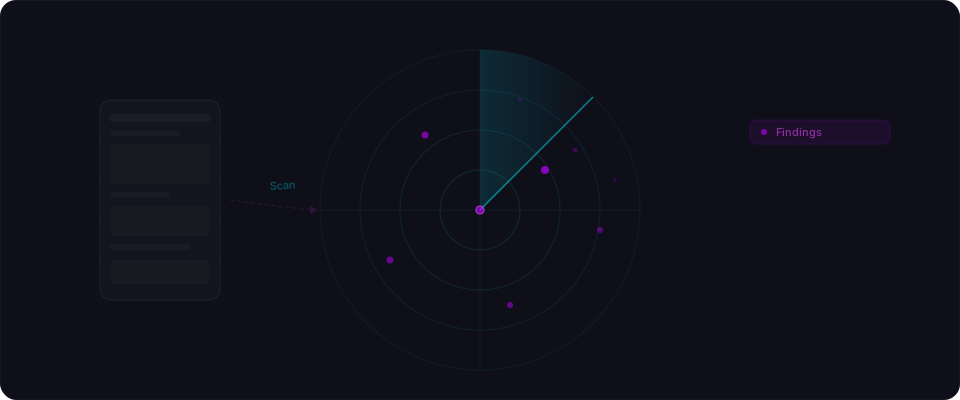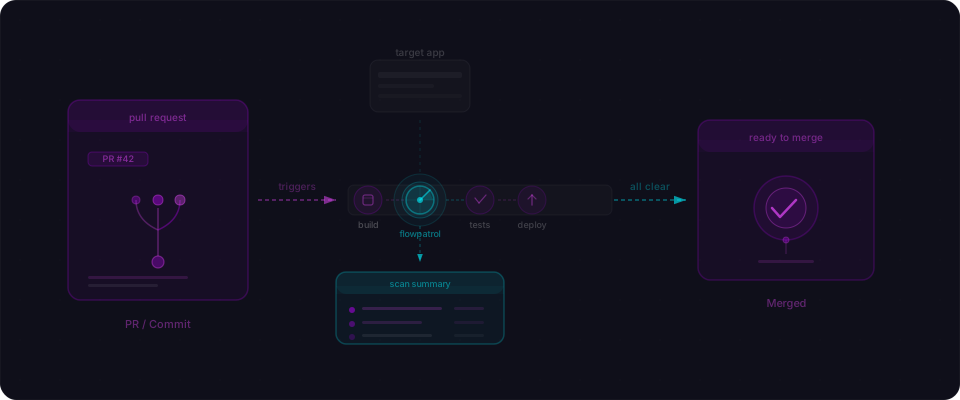
The moment security should happen
You ship a PR. Vercel spins up a preview in seconds. You're already sharing the link with your team. Then someone (maybe you) spots a security issue. A missing RLS policy. An exposed API key. An endpoint that returns too much data.
Now you're fixing it in a new commit. New preview deploys. Team reviews again. It's three hours later, and you're still chasing down what should have been caught automatically.
This is the moment where Flowpatrol works.
Every PR gets a security scan — automatically, before anyone reviews the code. Findings show up as a comment right there in the pull request. Critical issues block the merge. You catch regressions before they get to production. You never ship a vulnerability because you were moving fast.
One workflow file. Copy, paste, done.
Create .github/workflows/security.yml in your repo and paste this:
name: Flowpatrol Security Scan
on: [pull_request]
jobs:
  scan:
    runs-on: ubuntu-latest
    steps:
      - uses: flowpatrol/scan-action@v1
        with:
          target-url: https://staging.myapp.com
          api-key: ${{ secrets.FLOWPATROL_API_KEY }}
          scan-mode: surface
          fail-on: high
That's it. Change target-url to match your staging preview URL. If you're on Vercel, that's your automatic preview URLs. Lovable, Netlify, Replit — same idea.
Then go to your repo settings. Add FLOWPATROL_API_KEY as a secret. Grab the key from your Flowpatrol dashboard.
Push the workflow. Open a PR. The scan runs automatically.

What you see in the PR
Scan runs. In a few minutes, you get a comment on your PR. No dashboard. No email. Right there in the conversation.
Here's what a real scan comment looks like:
## Flowpatrol Scan Results — 3 findings

| Severity | Finding | Location |
|----------|---------|----------|
| Critical | Missing Row Level Security on `orders` table | Supabase |
| High | IDOR — user can access other users' orders | `GET /api/orders/:id` |
| Medium | No rate limiting on login endpoint | `POST /api/auth/login` |

---

### Critical: Missing Row Level Security

The `orders` table has RLS disabled. Authenticated users can read any row via the REST API, not just their own.

**What we found:** Authenticated as user A, successfully fetched user B's orders:

  GET /rest/v1/orders?select=*
  → Returns all order records across all users

**How to fix:** Enable RLS on the `orders` table and add a policy:

  create policy "Users can read own orders"
    on orders for select
    using (auth.uid() = user_id);

---

Scanned in 4m 32s by Flowpatrol
Every finding has a real request, a real response, and the exact code to fix it. No guessing. No "potential vulnerability" warnings. Just actionable fixes.
If the critical issue blocks your merge, you see the red X on the PR status. You can't accidentally ship a regression.
Track findings over time
PR comments give you immediate feedback. But sometimes you want to see patterns — which endpoints keep getting flagged, which tables always have RLS issues.
GitHub's Security tab is where that lives. Add one extra step:
      - uses: flowpatrol/scan-action@v1
        id: scan
        with:
          target-url: https://staging.myapp.com
          api-key: ${{ secrets.FLOWPATROL_API_KEY }}

      - uses: github/codeql-action/upload-sarif@v3
        if: always()
        with:
          sarif_file: ${{ steps.scan.outputs.sarif-file }}
The upload-sarif step sends results to GitHub's standard security format. Now findings appear in the Security tab alongside CodeQL and Dependabot. Same place your team already looks.
The if: always() is important — you want SARIF uploaded even when the scan fails. That way you can see what would have blocked the merge.

Tune to your risk tolerance
Not every issue needs to block a merge. A missing HTTP header on staging is different from an RLS bypass. The fail-on parameter sets the bar:
fail-on: high    # Block on critical and high (default)
fail-on: critical # Block on critical only
fail-on: none     # Never block — visibility only
fail-on: critical — Good for early-stage apps. You get warnings but no blockers.
fail-on: high — The sweet spot. Critical auth bypasses and access control failures block the PR. Medium issues are warnings.
fail-on: medium — Tighter. For apps handling payments or sensitive data.
fail-on: none — Findings appear in comments and the Security tab, but the PR always passes. Useful if you want scanning without enforcement.
Start with high. Tighten it as you ship.
Two scan modes
Choose based on your workflow:
Surface — Fast, deterministic, every PR. Takes 1-3 minutes. Checks headers, exposed secrets, framework fingerprints, known CVEs, basic IDOR patterns. One credit.
scan-mode: surface
Deep — Full security test. Authenticated API testing, access control chains, multi-user scenarios, injection attacks. 15-30 minutes. Five credits. Good for before a big launch or when deploying to production.
scan-mode: deep
Default is surface. That's what you run on every PR.
Five minutes from now
You copy the YAML into .github/workflows/security.yml. You add one secret to your repo. You open a PR.
Scan runs. Comment appears. You see exactly what's wrong. You fix it or you ship it. Either way, you did it consciously.
Here's the exact flow:
- Copy the workflow YAML from above into
.github/workflows/security.yml - Go to repo settings → Secrets →
FLOWPATROL_API_KEY - Paste your key from flowpatrol.ai
- Push the workflow
- Open a PR against your branch — the scan runs automatically
The next time someone opens a PR, security scanning just happens. No separate dashboards. No manual steps. The findings appear where your team already reviews code.
You ship faster. You ship more confidently. You never merge a security regression because nobody was paying attention.
The Flowpatrol GitHub Action is available on the GitHub Marketplace. Full docs at flowpatrol.ai/docs.