Check your app before you ship. Five minutes, no dashboard.
You built something with Lovable or Cursor. It's live, or an hour away from it. You want to know what's exposed before you share the URL with your team, your users, or that angel investor who will definitely probe it.
You could open a browser, log in to a dashboard, click through tabs. Or you could stay in your terminal.
# Install once
npm install -g @flowpatrol/cli

# Save your API key
flowpatrol auth set-key fp_live_...

# Scan your app
flowpatrol surface https://myapp.com
Three minutes. One scan. Clear answers.
Real findings. Real fixes. Real fast.
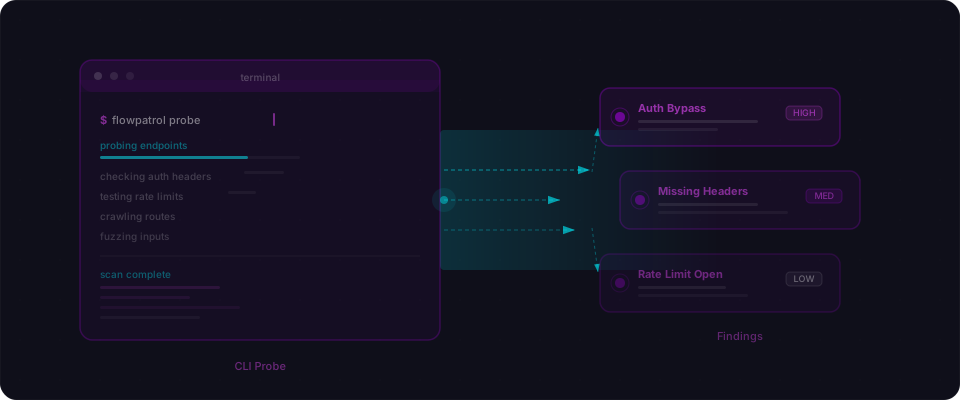
Here's what that looks like in your terminal:
$ flowpatrol surface https://myapp.com

  Flowpatrol — https://myapp.com
  ─────────────────────────────────────────────

  CRITICAL  Supabase service role key exposed in client JS
            /static/js/app-3fa8c1.js
            Fix: Move to a server-only environment variable without
                 the NEXT_PUBLIC_ prefix.
            OWASP A02:2021 · CWE-312

  HIGH      Missing Row Level Security on users table
            /rest/v1/users readable with anon key
            Fix: Enable RLS and add a SELECT policy that checks
                 auth.uid() == user_id.

  MEDIUM    No Content-Security-Policy header
            Returned on all responses
            Fix: Add CSP to next.config.js headers or hosting config.

  ─────────────────────────────────────────────
  1 critical · 1 high · 1 medium · 0 low
  Scan ID: abc-123-def  |  Duration: 28s
No fluff. No generic warnings. No "contact our sales team to learn more." Each finding points at a specific endpoint, tells you exactly what's wrong, and gives you a clear fix. Read the output. Fix the code. Re-scan. Done.
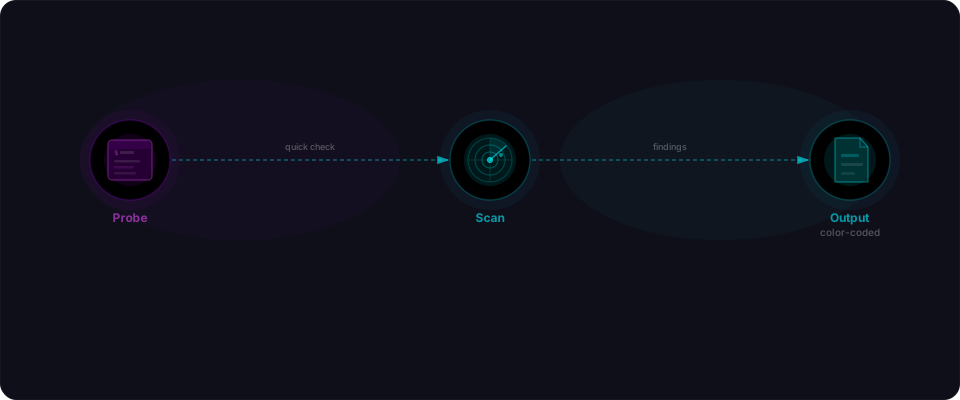
Two scan modes. Pick your moment.
Surface is your pre-flight check. Exposed secrets, missing headers, RLS issues, framework fingerprints. Takes 1-3 minutes. Run it before every deployment, before showing someone the URL, before committing to production.
flowpatrol surface https://myapp.com
Deep is the full security assessment. Authenticated API testing, chained attacks, access control verification, injection vectors, session handling. Takes 10-20 minutes depending on your app size. Run it once on staging before you ship to production. Run it after a big feature lands.
flowpatrol scan https://staging.myapp.com
Use Surface for velocity. Use Deep for safety. Use both.
The reports stay in your hands
Once a scan finishes, fetch the results in whatever format you need. No dashboard required.
# See the report in your terminal
flowpatrol report abc-123-def

# Export as JSON for scripting or automation
flowpatrol report abc-123-def --format json

# Get SARIF for GitHub Security tab or VS Code
flowpatrol report abc-123-def --format sarif

# Filter to just critical findings
flowpatrol report abc-123-def --severity critical,high
Everything you need stays in your terminal. Pipe to jq, parse with a script, commit to your repo — the data is yours.

Gate your deploys with one command
Want to block a deployment if critical issues are found? The --quiet flag turns any scan into a pass/fail gate:
#!/bin/bash
set -e

# Deploy to staging
npm run deploy:staging

# Scan the staging URL
flowpatrol surface https://staging.myapp.com --quiet

# If we get here, scan passed. Safe to deploy to production.
npm run deploy:production
If the scan finds critical issues, the command exits with status 1 and your deploy stops. No parsing output. No regex. Just an exit code you can rely on.
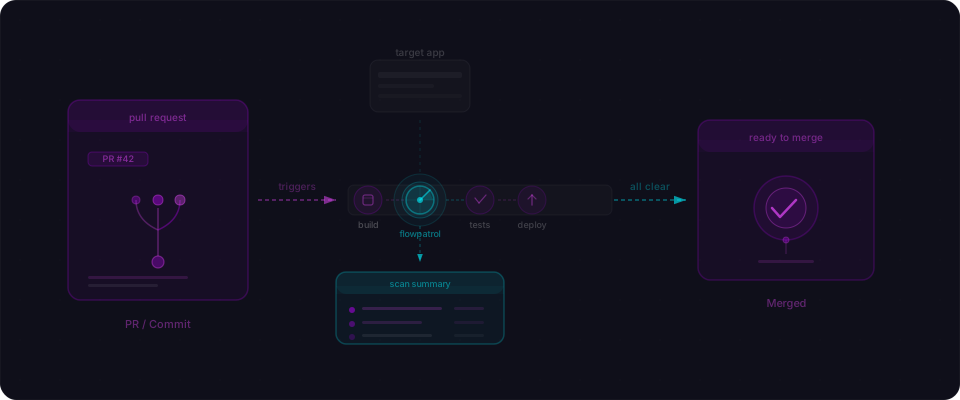
This pattern works in GitHub Actions, GitLab CI, Vercel deploy hooks, or any CI system. One line. Security gates your deployment.
Install it your way
# npm
npm install -g @flowpatrol/cli

# or Python
pipx install flowpatrol

# or macOS
brew install flowpatrol/tap/flowpatrol
All three install the same flowpatrol command. All three auto-update. Pick whichever fits your stack.
One more workflow: before you push
The CLI shines in one specific moment: right before you push code.
You're working locally. Your app runs on localhost:3000. Before you push the feature branch, before you open the PR, you want a quick sanity check:
# Local dev environment
flowpatrol surface https://localhost:3000
Did you accidentally commit a .env file? Did you leave RLS off a table? Did you expose an admin endpoint? You'll know in 90 seconds. Fix it. Push clean.
This is the moment where security stays in your flow, not something bolted on at the end.

What you should do right now
-
Install.
npm install -g @flowpatrol/cli(takes 30 seconds). -
Set your API key.
flowpatrol auth set-key fp_live_...(one-time setup, then it's saved). -
Scan your current app.
flowpatrol surface https://your-deployed-app.com. Takes 1-3 minutes. -
Read the findings. Start with critical. Each one tells you where it is and how to fix it.
-
Add one gate. Pick one place to add security checking — your deploy script, a GitHub Action, or a pre-push hook. One gate catches the next issue before it ships.
You shipped the app. The CLI makes sure it's solid. Install it. Run it today. Ship the next update cleaner.